01 / A LITTLE EXTRA MOMENTUM
Agent
A custom agent framework, built into your workspace. Bring your own models and tools, with sessions, subagents, and permissions built in.
Your agent, IDE, terminal, and notes in one workspace.
Latest stable release · All downloads
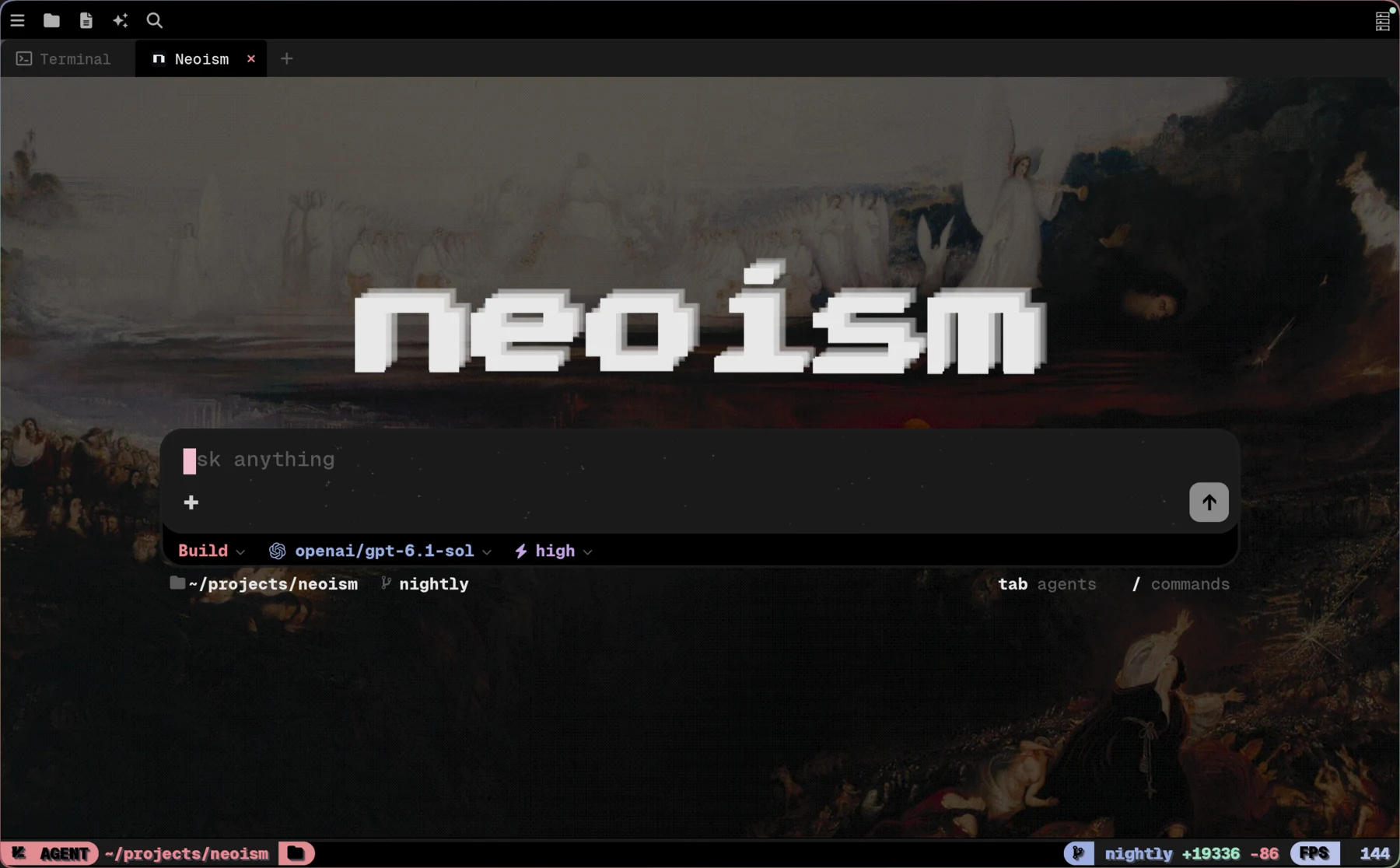
01 Native by nature.
02 Local by default.
03 Open by design.
Fewer windows. More possibilities.
01 / A LITTLE EXTRA MOMENTUM
A custom agent framework, built into your workspace. Bring your own models and tools, with sessions, subagents, and permissions built in.
02 / A NATIVE FOUNDATION
A real shell. A native editor. The everyday tools, without the window shuffle.
03 / ROOM FOR EVERYONE
Different screens. The same workspace. Share the work without handing it to someone else's cloud.
04 / ON YOUR TERMS
Your machine or your server. Keep the workspace close, and choose how you reach it.
Neoism is a native workspace with a code editor, terminal, AI agent, and notes.
Download the latest release for your platform, open a project, and follow the getting started guide. Connect an AI provider when you want to use the agent.
Yes. Neoism is free and open source. Its source code is available under the MIT License. AI usage costs and subscription terms are determined by your provider; Neoism does not add extra AI billing.
Choose models from the providers you connect in Neoism. You can also use compatible local models through a configured custom provider. Available models depend on the connection and provider; see the provider documentation for setup.
For supported connections, you can sign in with OAuth. Whether your subscription covers a particular model or usage depends on the provider and plan. Not every subscription works with every connection; other providers may require an API key.
Your workspace and conversations are stored on your machine or the host you select. Choosing a cloud AI provider sends the prompt and included context to that provider, and external tool connections can receive data you authorize. Where data goes depends on the providers, tools, and host you choose.
Yes. You can share a workspace with authorized clients through your own reachable host, or self-host on your server with Docker. This is not an anonymous public workspace. Read the deployment and security guides before connecting clients.